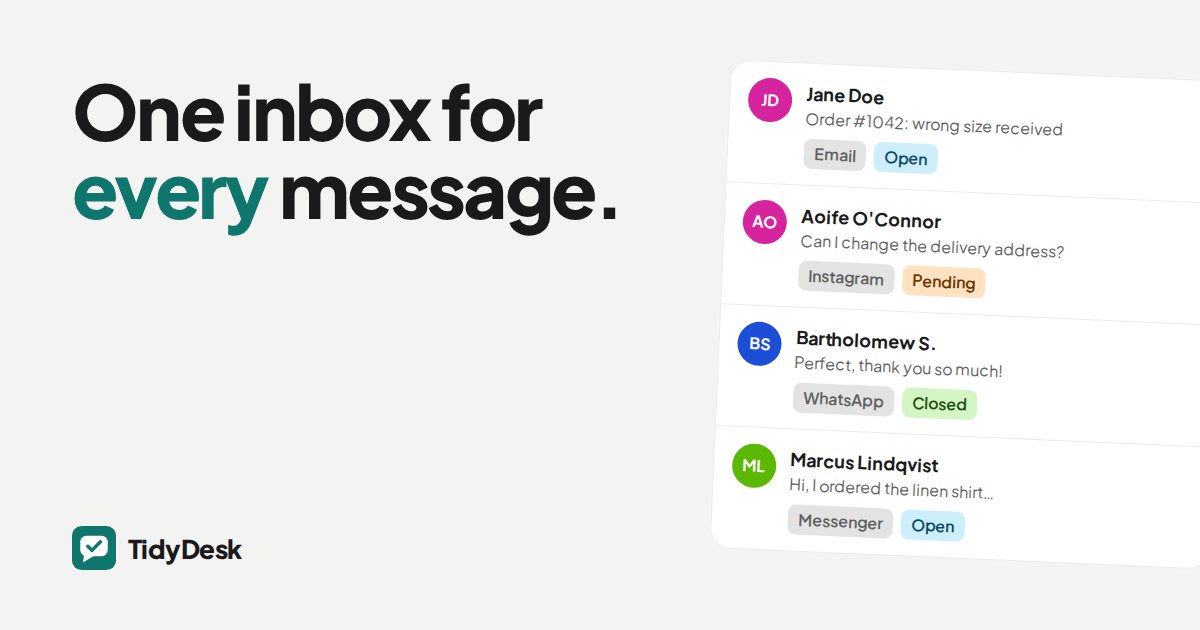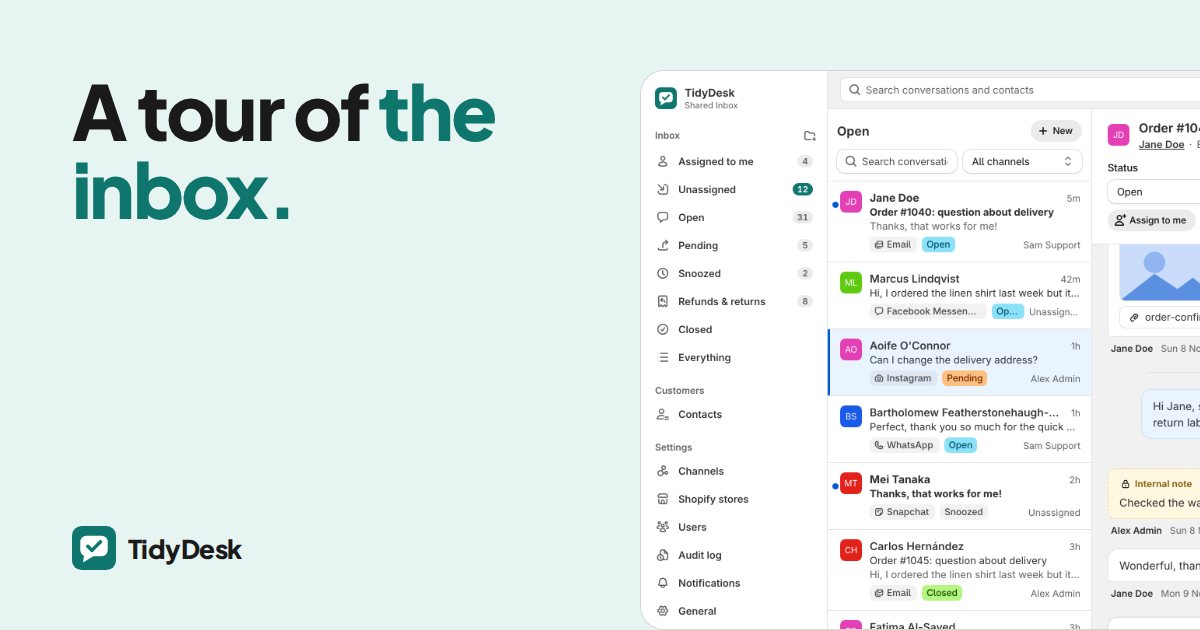
TidyDesk started this month, so there's a lot to say. Here's what you can do today that you couldn't at the start of November.
It installs as an app.
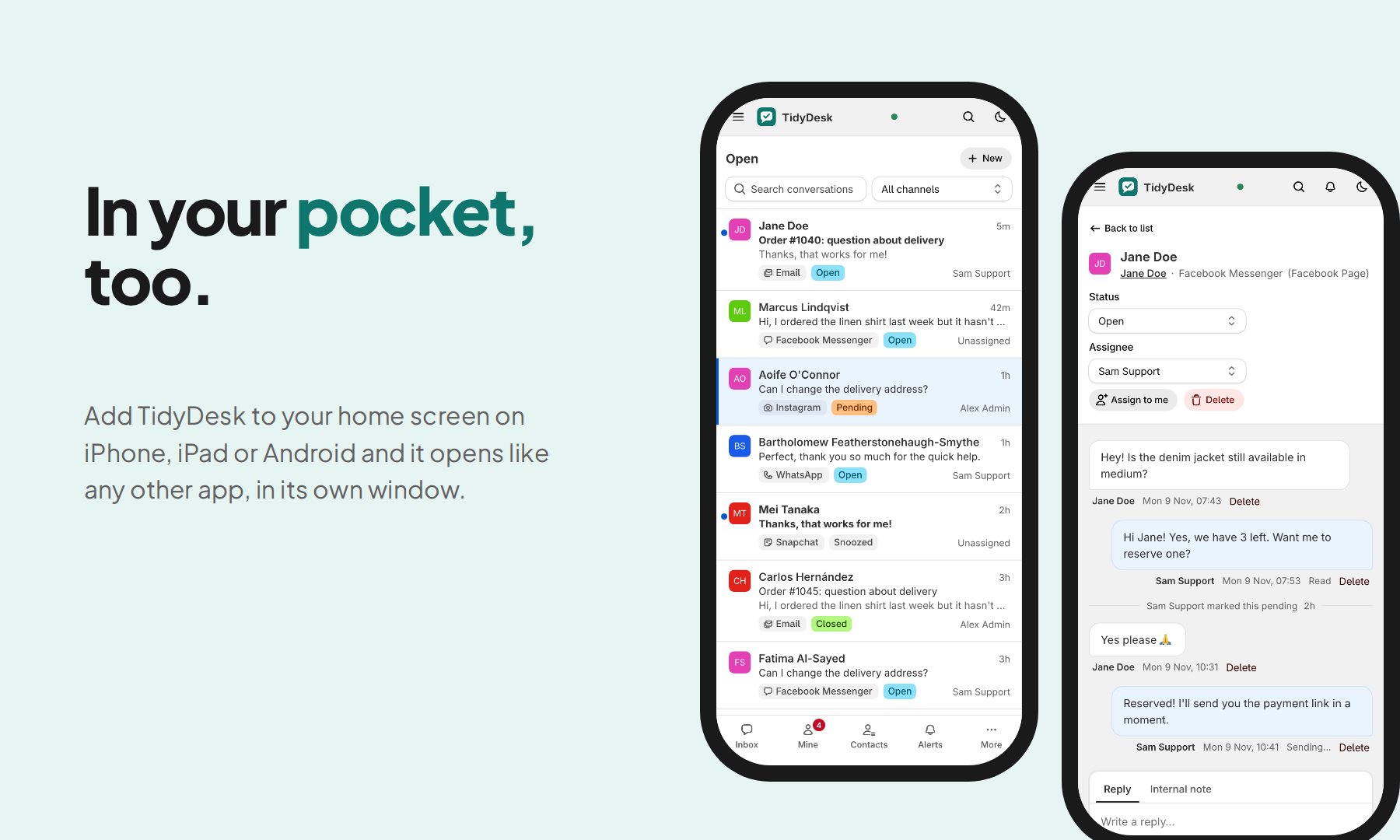
TidyDesk now installs like an app on an iPhone, iPad, Android phone or computer, with its own icon and its own window. There's an "offline" page for when your connection drops, and nothing about your customers is stored on the device.
- iPhone and iPad: open TidyDesk in Safari, tap Share, then Add to Home Screen.
- Android: open it in Chrome and choose Install app from the menu.
- Computer: in Chrome or Edge, click the install icon at the right of the address bar.
Push notifications on an iPhone or iPad only work in the installed app, so add it to your home screen first and then switch them on in Settings.
Channels set up with a guide.
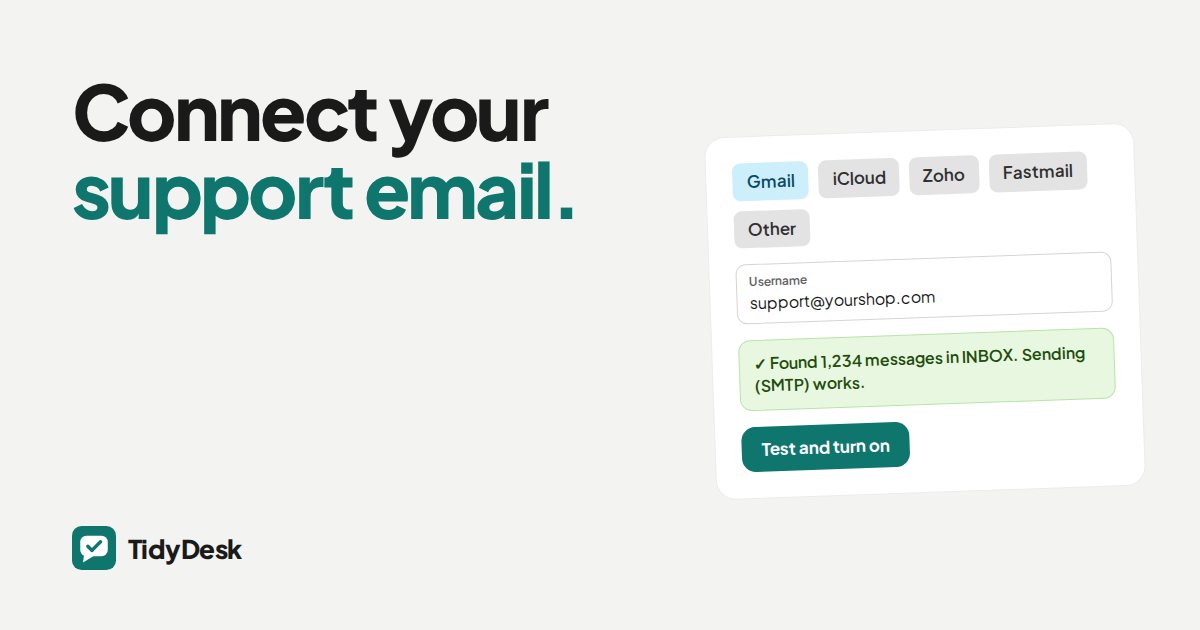
Each channel now has a step-by-step guide that says what you need, where to click and what to paste. It saves your progress as you go, and it ends in Test and turn on, which won't switch the channel on until the connection really works. Snapchat, which has no messaging connection we can use, is now a channel your team logs by hand.
See it in action in how to connect your support email.
Your own statuses and folders.
Admins can rename the statuses on each channel and add their own, such as "Awaiting refund". Everyone can make personal folders in the sidebar that pull conversations from any channel and any status into one list, like "Refunds & returns". There's more about both in the tour of the inbox.
Control over who sees what.
Admins can choose which channels and Shopify stores each person can see, and there's an audit log of who changed what.
Sharing the work.
Teams can now share out new conversations automatically, by taking turns or by who's least busy. A customer can have an owner who gets their new conversations. Internal notes support @mentions, and a bell plus optional push notifications tell people when something needs them. It's all in working together.
Light and dark.
TidyDesk follows your device's light or dark setting, or you can pick one yourself with the button at the top.
Tell us what's missing.
If something would make TidyDesk better for your team, write to us at hello@tidydesk.net.