The trouble with a shared inbox is that everyone can see everything. That's fine until two people answer the same customer, or each assumes the other has it. TidyDesk has a few small tools to stop that.
Say who has it.
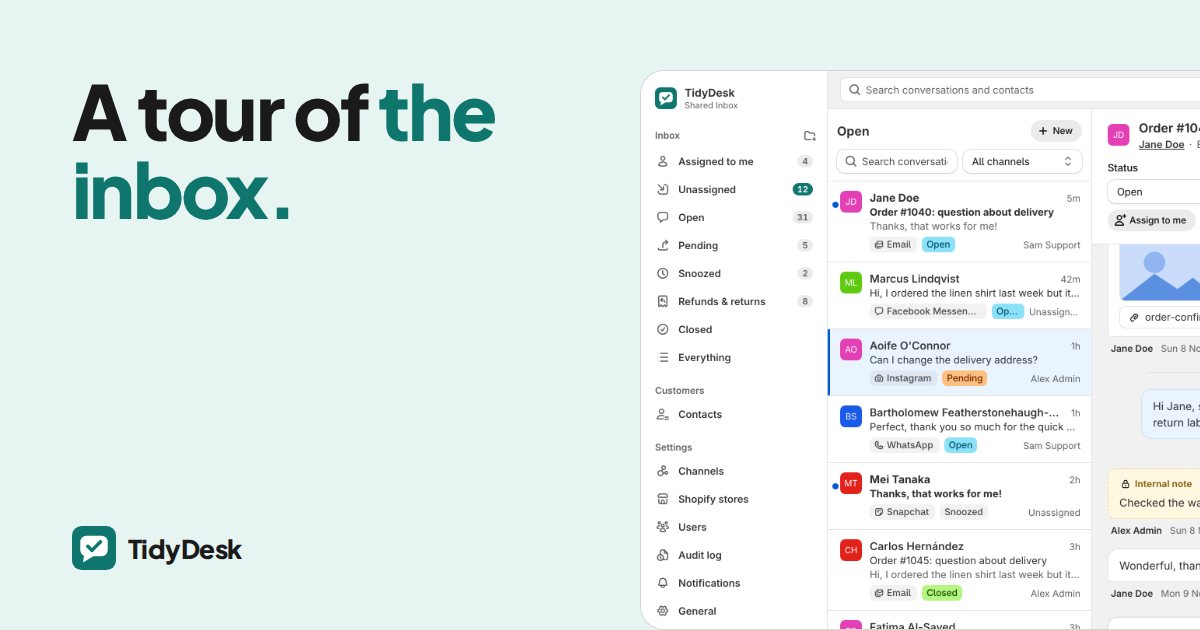
Every conversation has an Assignee at the top. Pick a teammate from the list, or press Assign to me to take it. The Unassigned view in the sidebar then shows what's still waiting for someone. Nobody else's unread dots change when you read something, so each person keeps track of their own.
Let TidyDesk share out the new ones.
You don't have to assign everything by hand. An admin can set a rule for each channel, so that new conversations go to someone automatically:
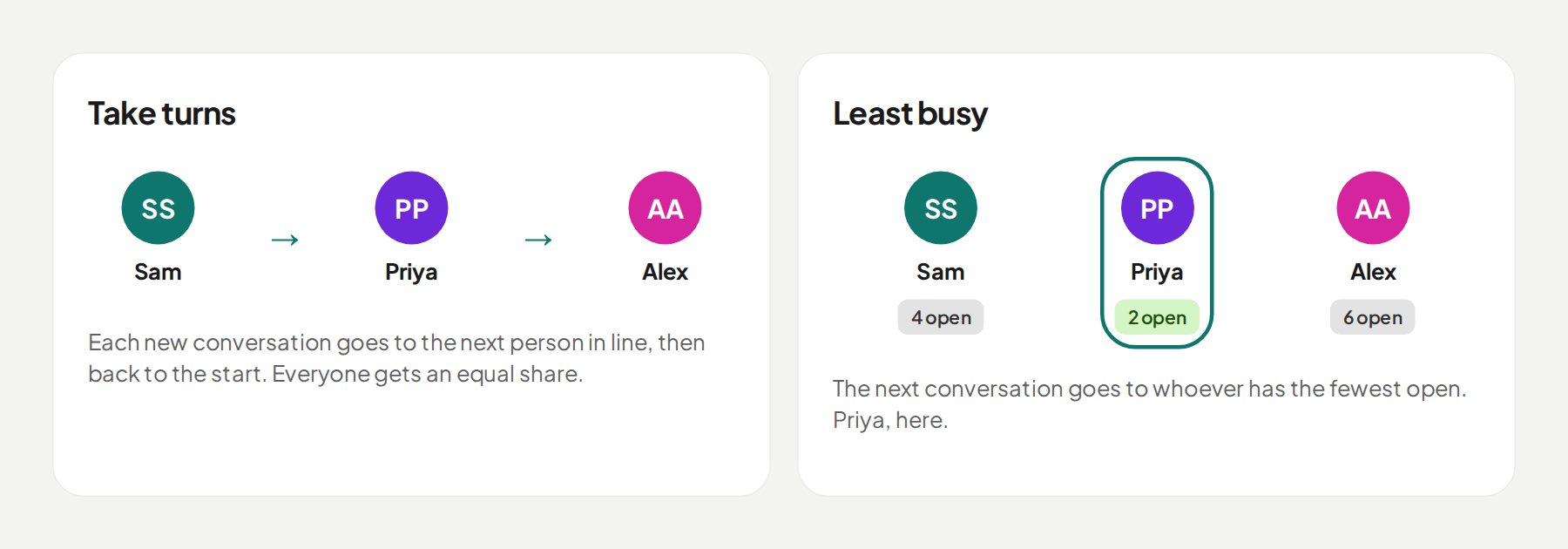
- Take turns. Each new conversation goes to the next person in line, then back to the start.
- Least busy. The next conversation goes to whoever has the fewest open.
- Off. Nothing is assigned until someone picks it up.
The conversation's history records it, with a line such as "Auto-assigned to Sam Support by the channel's rule", so you can always see why something landed where it did. TidyDesk never takes a conversation away from someone who already has it.
Give a customer an owner.
Some customers should always go to the same person: a wholesale buyer, say, or someone who's had a long-running problem. On a customer's contact page, a team member can claim them, or an admin can hand them to anyone. From then on their new conversations go to that owner first, before any channel rule. Claiming also takes over the customer's conversations that are open, pending or snoozed.
Talk behind the scenes.
Next to Reply in the box at the bottom is Internal note. Notes appear in yellow, in the thread, with a padlock. They are for your team, and nothing written there is ever sent to the customer.
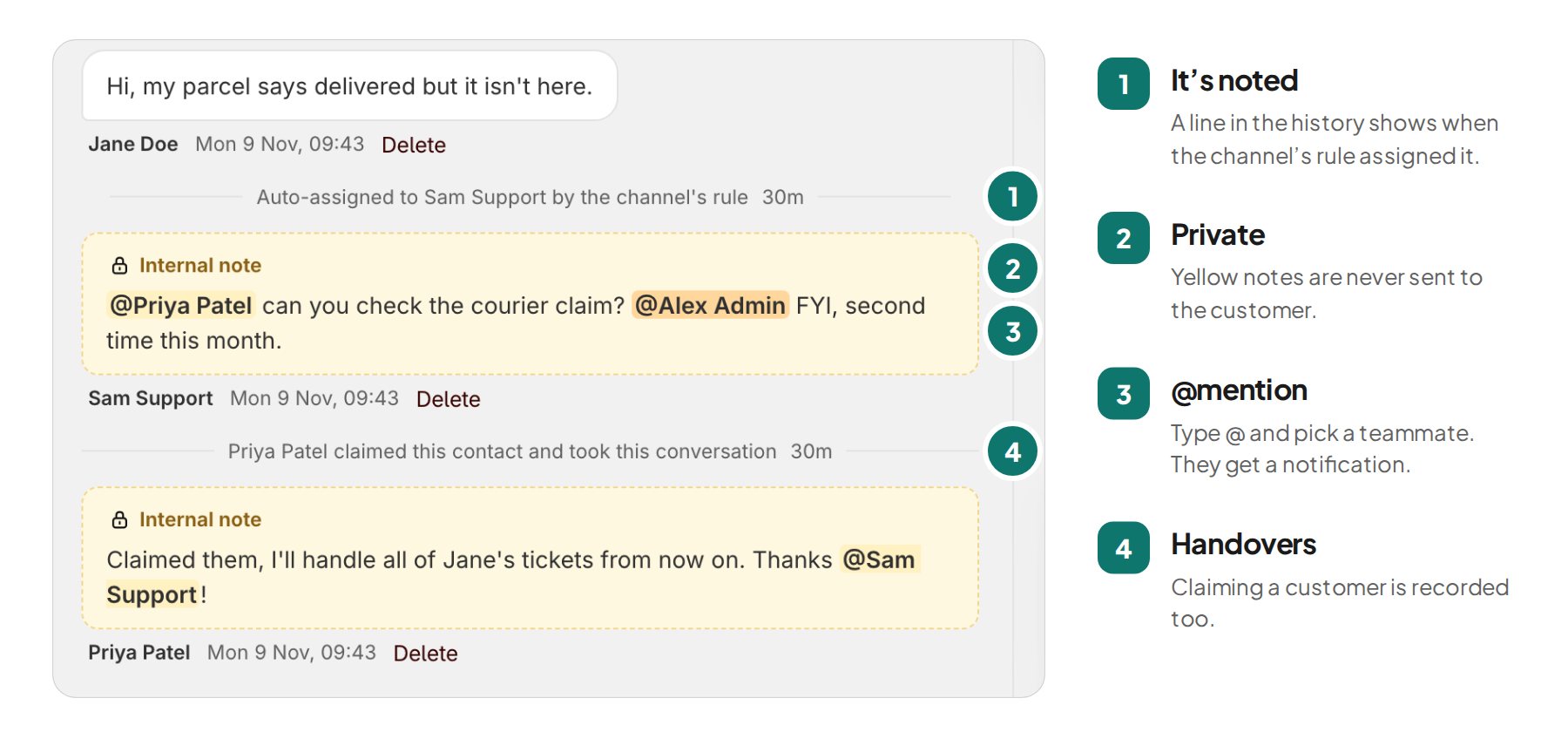
To bring someone in, type @ in a note and pick their name. They get a notification, and the mention is highlighted for everyone who reads it. Notes are plain text, so there's nothing to learn.
Hear about the right things.
The bell at the top lists what needs you: someone mentioned you, a conversation was assigned to you, a customer replied on one of yours, or a customer was handed to you. It shows a count of what's unread, and opening the conversation clears it.
You can also get push notifications, on your computer or your phone, so you hear about it without keeping TidyDesk open. Each person chooses which kinds they want, in Settings under Notifications. On an iPhone or iPad, push works once TidyDesk is added to your home screen.
A simple way to start.
- Pick take turns on your busiest channel and see how it feels for a week.
- Agree that a note is where you ask each other questions, so the thread stays the customer's.
- Check Unassigned at the start of each day.
That's most of what a small team needs. If you'd like to see TidyDesk with your own channels, get in touch.